Click below for step by step instructions!
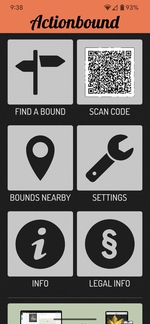
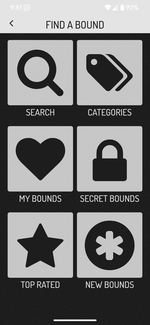
1. On the main screen, tap Find a Bound.
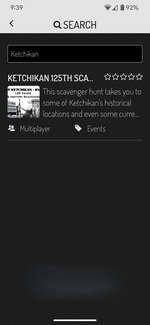
2. Tap Search, type Ketchikan, then select Ketchikan 125th Scavenger Hunt.
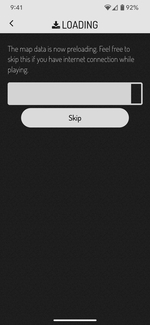
3. Download Maps The next two screens will download the maps so you can play offline. Just let them finish.
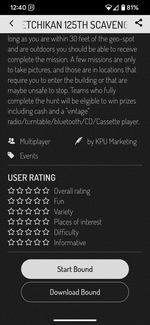
4. Choose Download Method Scroll down and tap Download Bound if you want to play offline
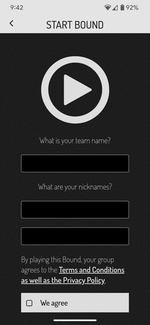
5. Set Up Your Team On the Start Bound page, enter a team name and at least two nicknames (required).
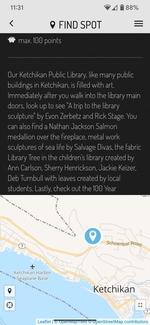
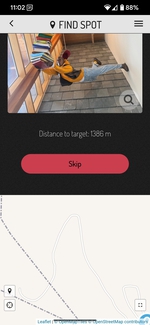
6. Learn About the Hunt On the Find Spot page, read the description. Scroll down to see your distance from the first location.
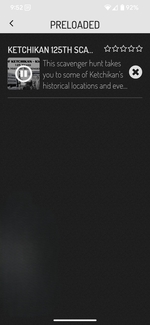
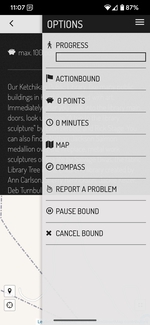
7. Take a break from playing (if needed) Tap the three lines in the upper right to open Options. Select Pause Bound.
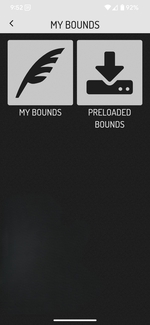
8. Resume Your Game When ready, go to My Bounds from the Find a Bound screen. Select Preloaded Bounds to continue.